01
The app, right on your TV
Install ScreenPixl directly on a compatible Android TV or Google TV. No additional box is needed.

ADS AND INFORMATION ON YOUR SCREENS
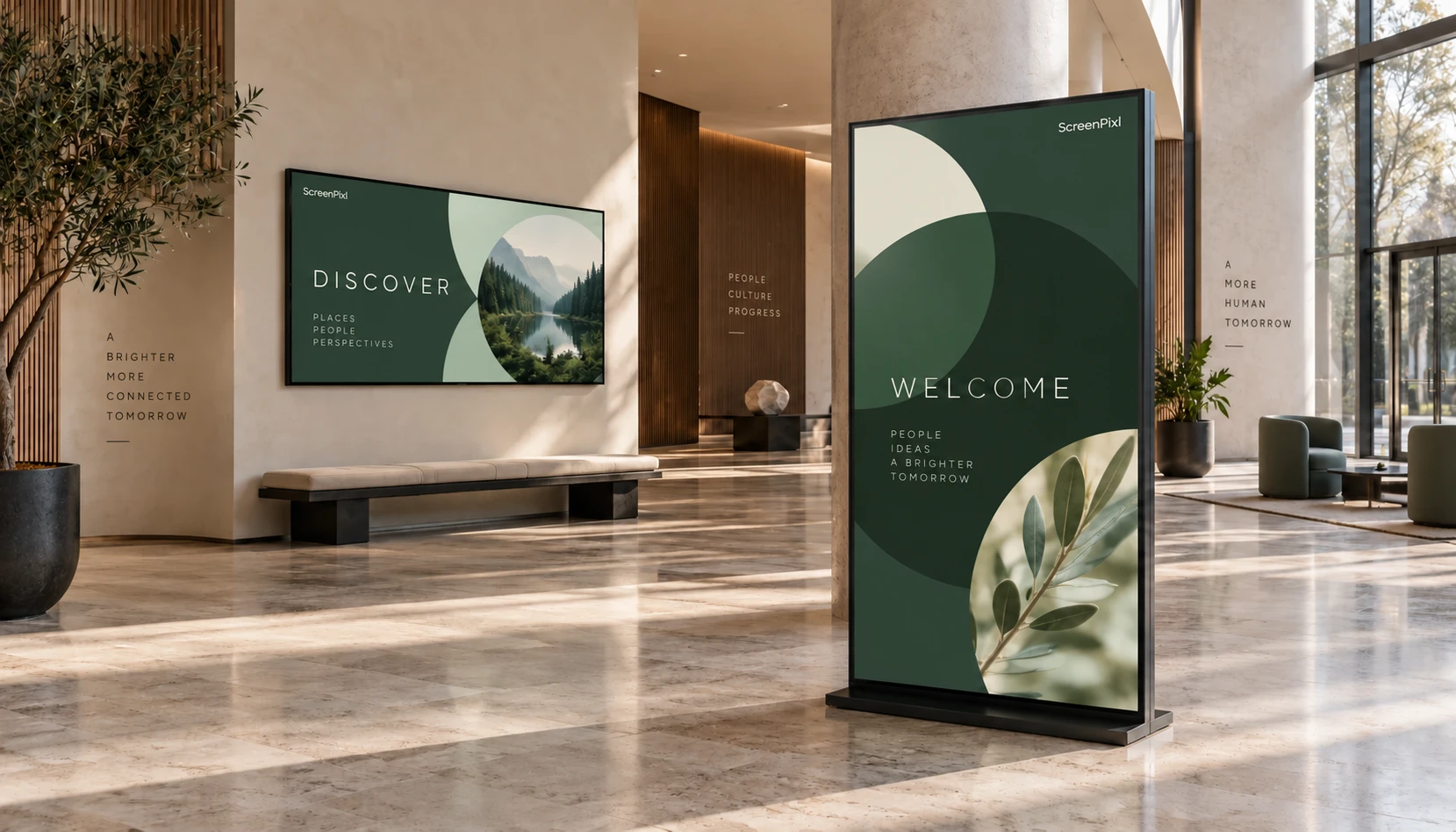
Turn your screens into eye-catching promotions, announcements and information. Create, schedule and update your content from one portal.
Try it with your own content and screen.
 One portal. Multiple locations.
APP OR PLAYER
Two ways to get started. We help you choose the right setup for your TV.
Install ScreenPixl directly on a compatible Android TV or Google TV. No additional box is needed.
For TVs with another or unsupported operating system, connect a compatible Android player via HDMI. Manage content in the same portal.
01 / Use cases
Your industry shapes the message. ScreenPixl helps you prepare, schedule and publish it on the right screens.
Visitor information, health awareness content and service introductions in waiting rooms and health centres.
Promotions, new arrivals, product stories and campaigns on a single screen or across your network.
Welcome messages, internal news, company presentations and information for colleagues and visitors.
Visitor information, programmes, announcements and directions throughout your buildings.
Programmes, previews, event partners and messages wherever people come together.
Offers, digital menus, activity programmes and information for a better visitor experience.
02 / Features
A clear overview of your content and screens, with capabilities that grow with your needs.
Different content for different spaces. Portrait and landscape layouts, rotation and a preview before publishing.
Plan playback days and times. Higher plans add more schedules, groups and locations.
A content library, team access and sync status. More detailed device monitoring depends on your plan.
ScreenPixlOne portal. Multiple locations.
Illustrations of use, not device screenshots or actual customers.03 / Benefits
Tools that simplify everyday screen management, from your first publication to multiple locations.
Prepare content on your laptop and send it to connected screens. No carrying USB drives between locations.
The player stores the last successfully synced content for offline playback. It downloads new publications when connected again.
Choose the days and times for each piece of content. Basic schedules come with START; higher plans offer more advanced options.
Portrait or landscape, a notice or an advert. Set rotation and display fit, then check the preview before publishing.
From BUSINESS, organise screens into groups and publish shared content to them. PRO adds management of multiple locations.
Give colleagues access to your account and revoke it when needed. Multiple users are available from BUSINESS; Admin / Editor roles in PRO.
04 / ScreenPixl Player
Without visiting every location. Prepare content in your browser; the player downloads and displays it.
Install the app on a compatible Android TV or external Android player. Link it using the code on screen.
Upload images and MP4 videos, arrange playlists or design a menu in your colours. Preview the layout before publishing.
Choose screens and schedules. The last successfully synced content stays on the device even without internet.
05 / Plans
Choose an app subscription based on how many screens you want to connect and how much content you need to store.
Content that reaches people where they are. Start with one screen and extend your reach.
Try it for free06 / Contact
Tell us where you want to display content and how many screens you have in mind. We’ll help you choose a suitable solution.