01
The app, right on your TV
Install ScreenPixl directly on a compatible Android TV or Google TV. No additional box is needed. Android 8 or later is required.

ADS AND INFORMATION ON YOUR SCREENS
Turn your screens into eye-catching promotions, announcements and information. Create, schedule and update your content from one portal.
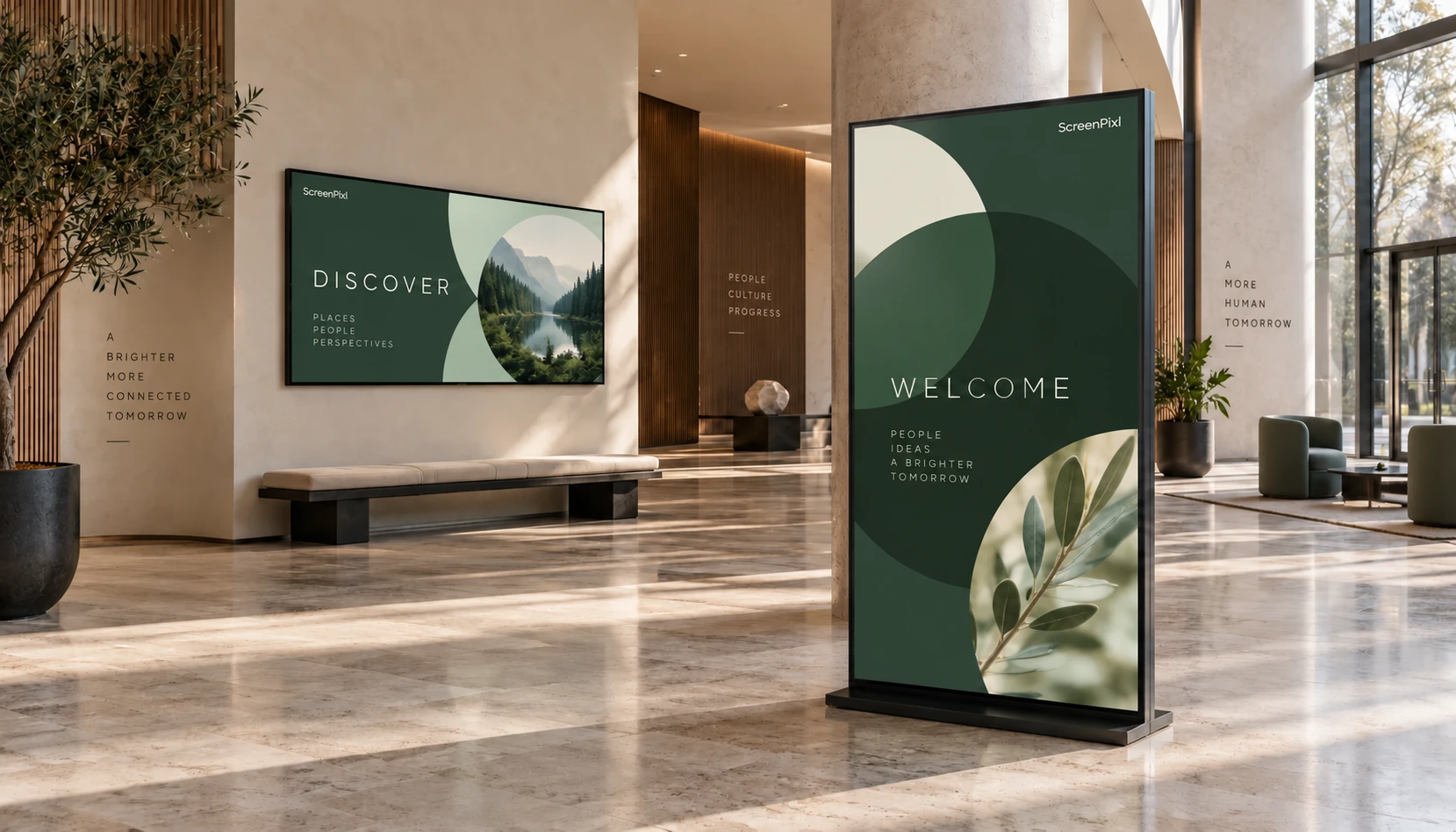
 One portal. Multiple locations.
ScreenPixl is a digital signage platform. Prepare images, videos, menus and notices in a web portal, then publish them remotely to connected TVs. Manage content, playlists and playback schedules across multiple locations from one place.
Install the player on a compatible Android TV or Google TV running Android 8 or later, or use a compatible external Android player. Internet is required to link the device and download new publications. During a short connection outage, previously downloaded content may continue playing while playback authorization remains valid.
APP OR PLAYER
Two ways to get started. We help you choose the right setup for your TV.
Install ScreenPixl directly on a compatible Android TV or Google TV. No additional box is needed. Android 8 or later is required.
For TVs with an unsupported operating system, connect a compatible Android player via HDMI. Manage content in the same portal.
01 / Use cases
Notices in a waiting room, offers in a shop or news for employees. With ScreenPixl, prepare, schedule and publish content on your chosen screens.
Visitor information, health awareness content and service introductions in waiting rooms and health centres.
Promotions, new arrivals, product stories and campaigns on a single screen or across your network.
Welcome messages, internal news, company presentations and information for colleagues and visitors.
Visitor information, programmes, announcements and directions throughout your buildings.
Programmes, previews, event partners and messages wherever people come together.
Offers, digital menus, activity programmes and useful information for guests.
02 / Features
A clear overview of your content and screens, with capabilities that grow with your needs.
Different content for different spaces. Portrait and landscape layouts, rotation and a preview before publishing.
Plan playback days and times. Higher plans add more schedules, groups and locations.
A content library, team access and sync status. More detailed device monitoring depends on your plan.
ScreenPixlOne portal. Multiple locations.
Illustrative example of use.03 / Benefits
Tools that simplify everyday screen management, from your first publication to multiple locations.
Prepare content on your laptop and send it to connected screens. No carrying USB drives between locations.
The player stores the last successfully synced content for offline playback. It downloads new publications when it reconnects to the internet.
Choose the days and times for each piece of content. Basic schedules come with START; higher plans offer more advanced options.
Portrait or landscape, a notice or an advert. Set rotation and display fit, then check the preview before publishing.
From BUSINESS, organise screens into groups and publish shared content to them. PRO adds management of multiple locations.
Use your own photos and videos. With BUSINESS and higher plans, you can also create digital price lists with your own logo and colours.
04 / ScreenPixl Player
No need to be on site. Prepare content in your browser; the player downloads and displays it.
Install the app on a compatible Android TV or external Android player. Link it using the code on screen. Android 8 or later is required.
Upload images and MP4 videos, arrange playlists or design a menu in your colours. Preview the layout before publishing.
Choose screens and schedules. The last successfully synced content stays on the device even without internet.
05 / Plans
Choose a plan for 1 or 12 months based on your screens and storage needs.
06 / Contact
Tell us where you want to display content and how many screens you have in mind. We’ll help you choose a suitable solution.